How to Make Money Selling Spreadsheets: The 2027 Creator Blueprint
A complete guide to building a profitable digital spreadsheet business on Etsy, Pinterest, and your own storefront using Excel and Google Sheets without writing a line of code.
Why spreadsheets are the ultimate high-margin digital product
Selling digital spreadsheets is one of the highest leverage online business models in 2027. Unlike physical merchandise, a digital workbook costs zero dollars to replicate once built. There is no packaging, no shipping, and no physical inventory taking up space in your home.
Buyers are increasingly fatigued by expensive software-as-a-service (SaaS) subscriptions that cost $15 to $40 per month. A clean, one-time purchase spreadsheet in Microsoft Excel or Google Sheets gives customers full ownership of their data without recurring subscription fees.
The top 4 profitable spreadsheet niches
Focus on problems where people are already spending money or feeling acute financial stress. The highest-converting niches consistently include: 1) Personal Budgeting and Debt Snowball systems, 2) Small Business Bookkeeping, 1099 Contractor Prep, and Invoicing, 3) Real Estate & Airbnb Short-Term Rental cash flow trackers, and 4) Gamified Habit and Goal Planners for the new year.
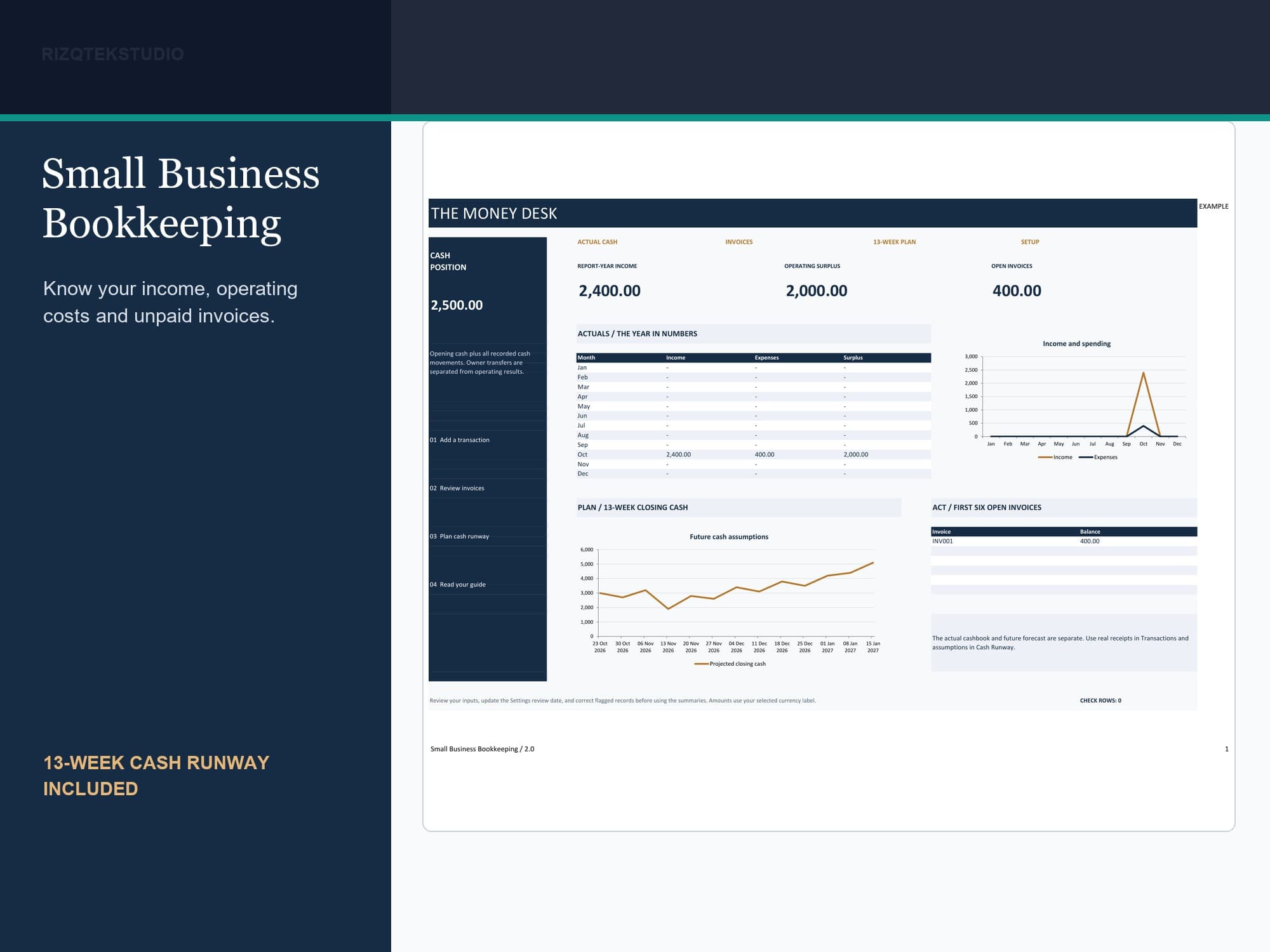
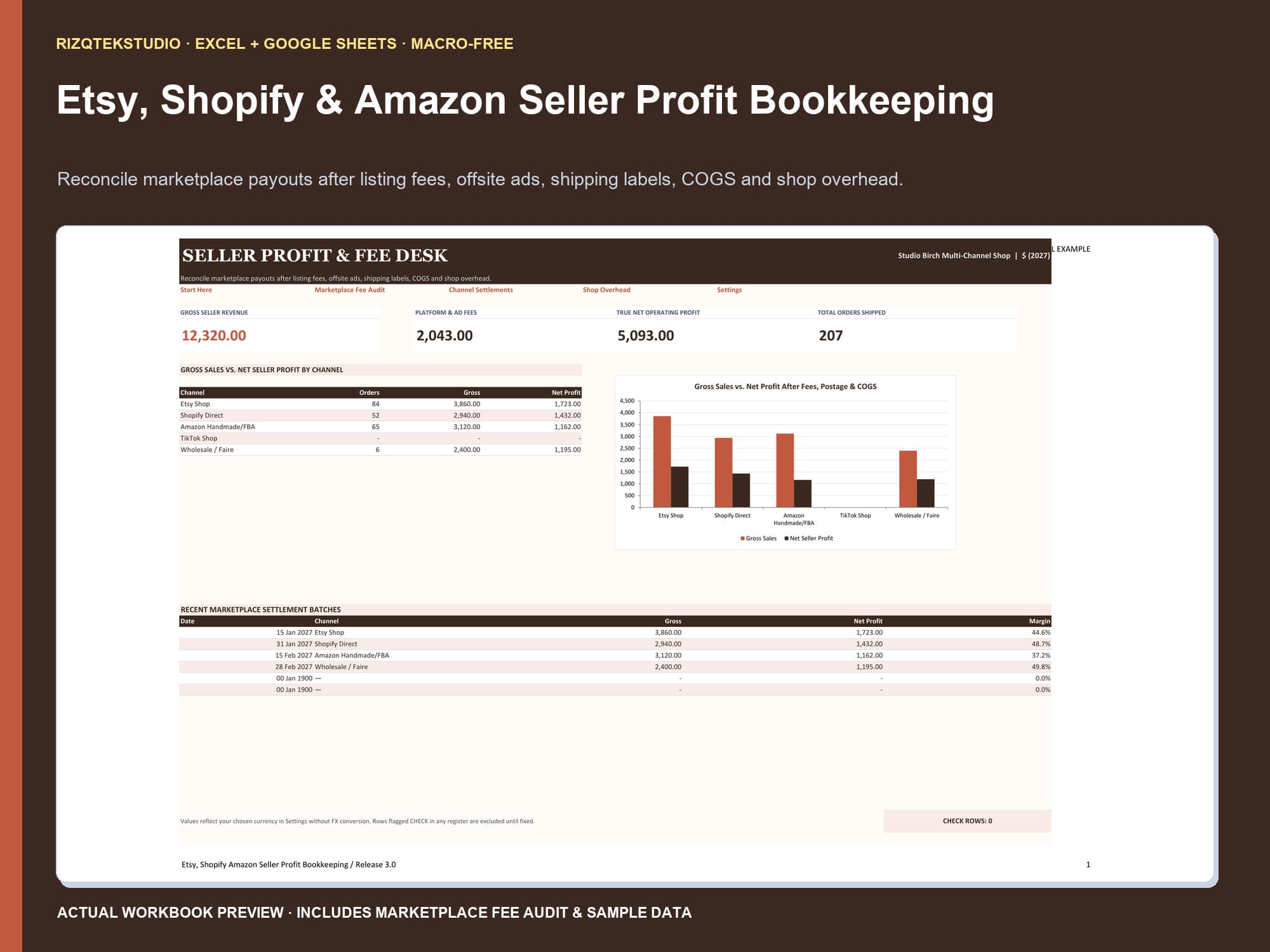
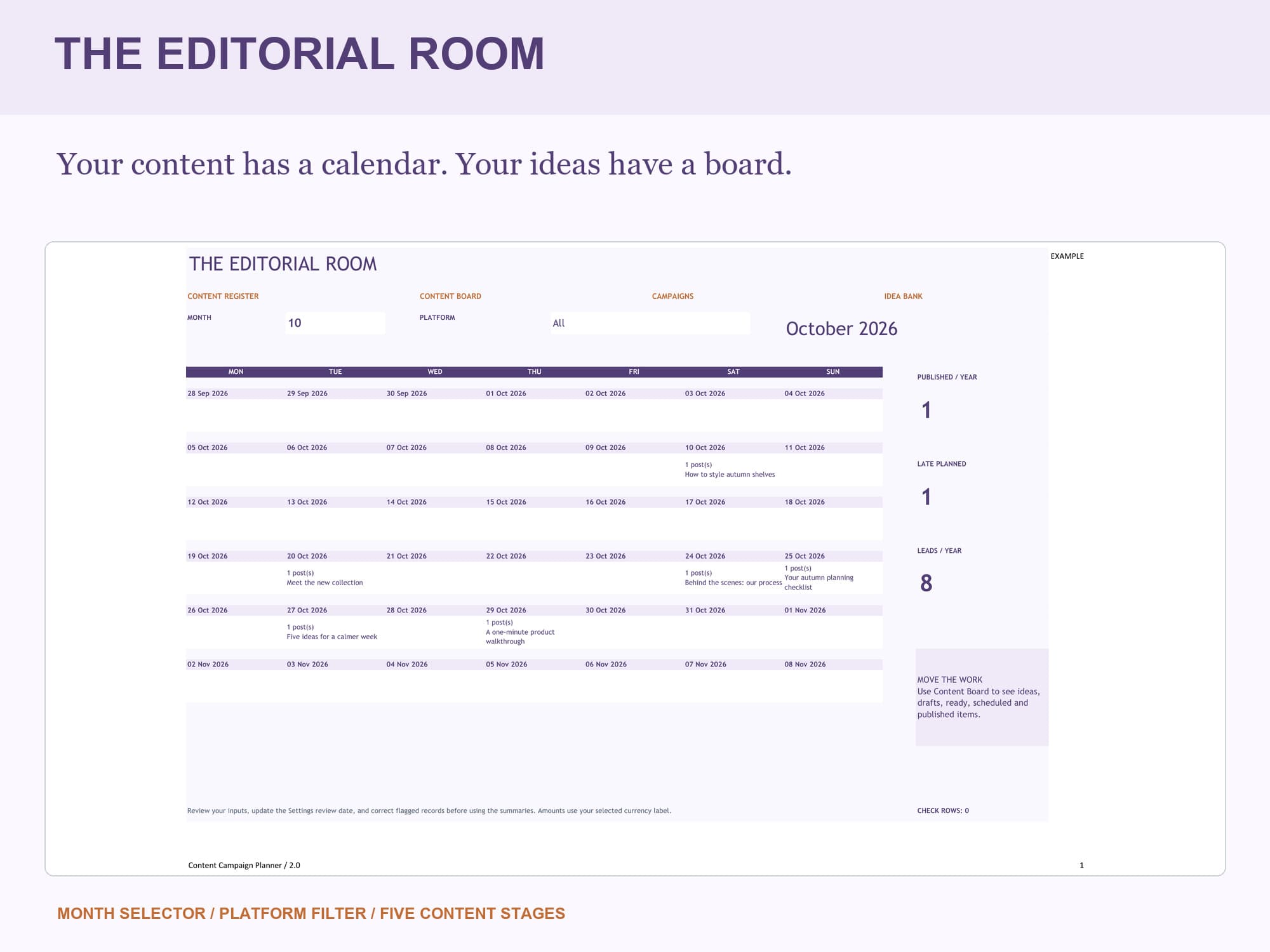
Avoid making generic tables with zero formatting. High-earning templates stand out by featuring automated summary dashboards, clean typography, conditional formatting that highlights overdue items, and formula protections that prevent users from accidentally breaking totals.
Designing for non-technical users
Your average buyer is not an Excel expert. They want an intuitive experience that feels like a software app. Use clear visual hierarchy: soft slate and neutral backgrounds, distinct input cells (such as light cream or pastel shading), and locked formula cells.
Always include a sample-filled learning copy alongside the clean blank workbook. Seeing fictional numbers already filled in helps the customer immediately understand how the charts, graphs, and category totals behave before they type their own figures.
Pricing strategy: single workbooks versus power bundles
Single spreadsheets typically sell between $9.99 and $19.99 depending on complexity. While single templates generate volume, the real profit multiplier is offering curated bundles—such as a 3-sheet Business Kit for $39 or an all-access 'Choose Any 20' Master Vault for $49 to $79.
Bundling dramatically increases your Average Order Value (AOV). A customer who arrives intending to spend $12.99 will frequently upgrade to a $49 bundle if it saves them over 80% compared to purchasing separate files.
Driving consistent organic traffic with Pinterest and SEO
Pinterest is a visual search engine, not a social feed. Users actively search Pinterest for solutions like 'budget planner spreadsheet', 'rental property expense log', or 'wedding budget checklist'. Creating vertical (1000x1500) pins showcasing clean previews of your dashboards drives high-intent buyers directly to your product pages.
Pair your visual pins with educational blog guides and search-optimized landing pages. When someone searches for guidance on organizing contractor taxes or tracking Airbnb occupancy, an informative article linked directly to your spreadsheet turns readers into customers automatically.
Educational workbook guidance. Figures in examples are fictional; verify your own records.