A simple routine for keeping your Excel template usable
Keep a clean copy, understand fixed input ranges, check your totals and save backups when using manually updated household spreadsheets.
Start in the supported app
Download the ZIP, extract it to a folder you can find again and open the workbook in desktop Microsoft Excel on Windows. Excel is sold separately. These releases were tested in Excel 16.0 build 20430 on 64-bit Windows; Google Sheets, Apple Numbers, Excel for Mac, web and mobile, and other untested versions are not supported.
Keep the original download and a clean extracted copy before entering your information. Use a separate working copy with a descriptive filename. A responsive store on your phone does not mean the workbook has been tested in a phone spreadsheet app.
Learn the input ranges before editing
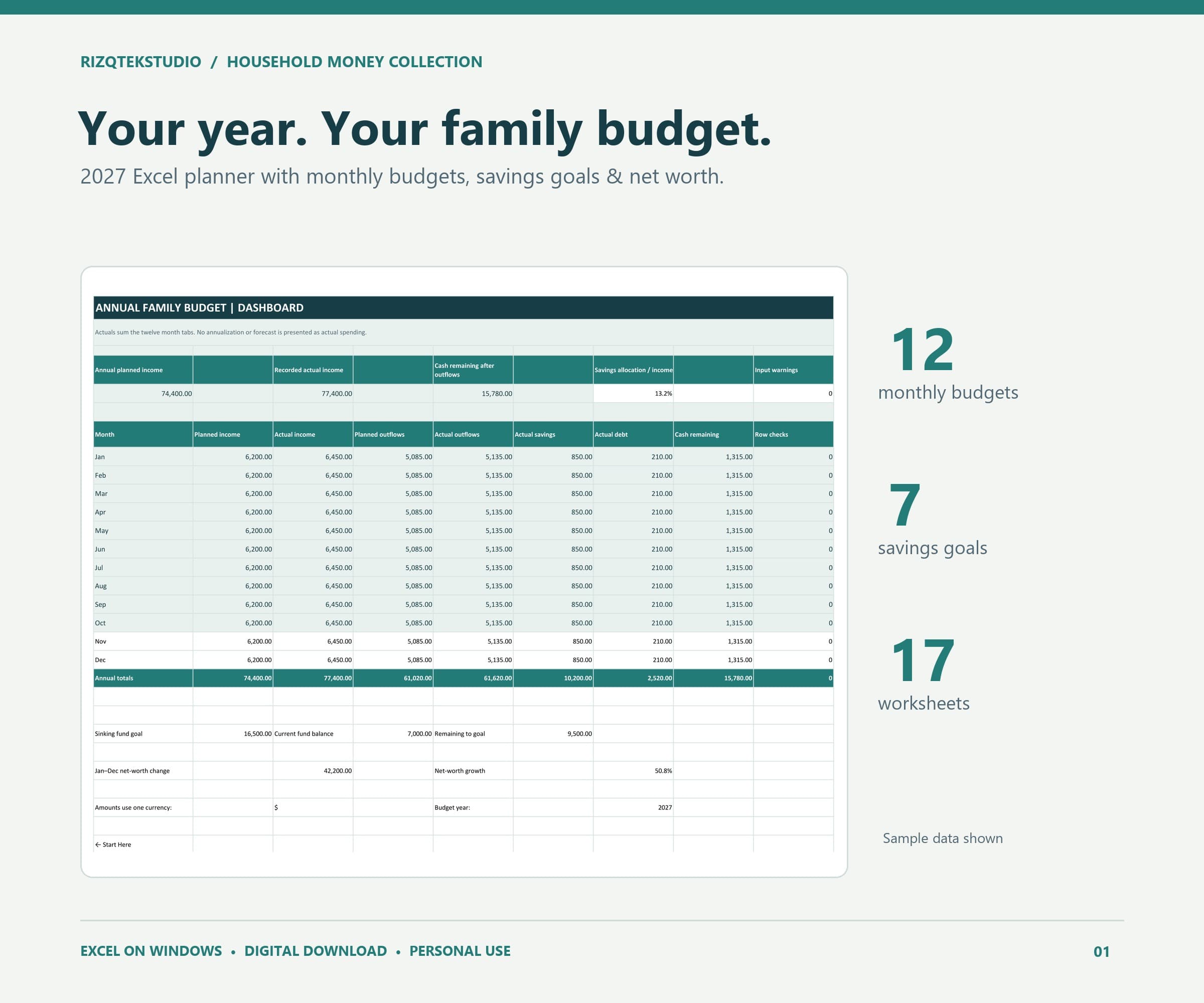
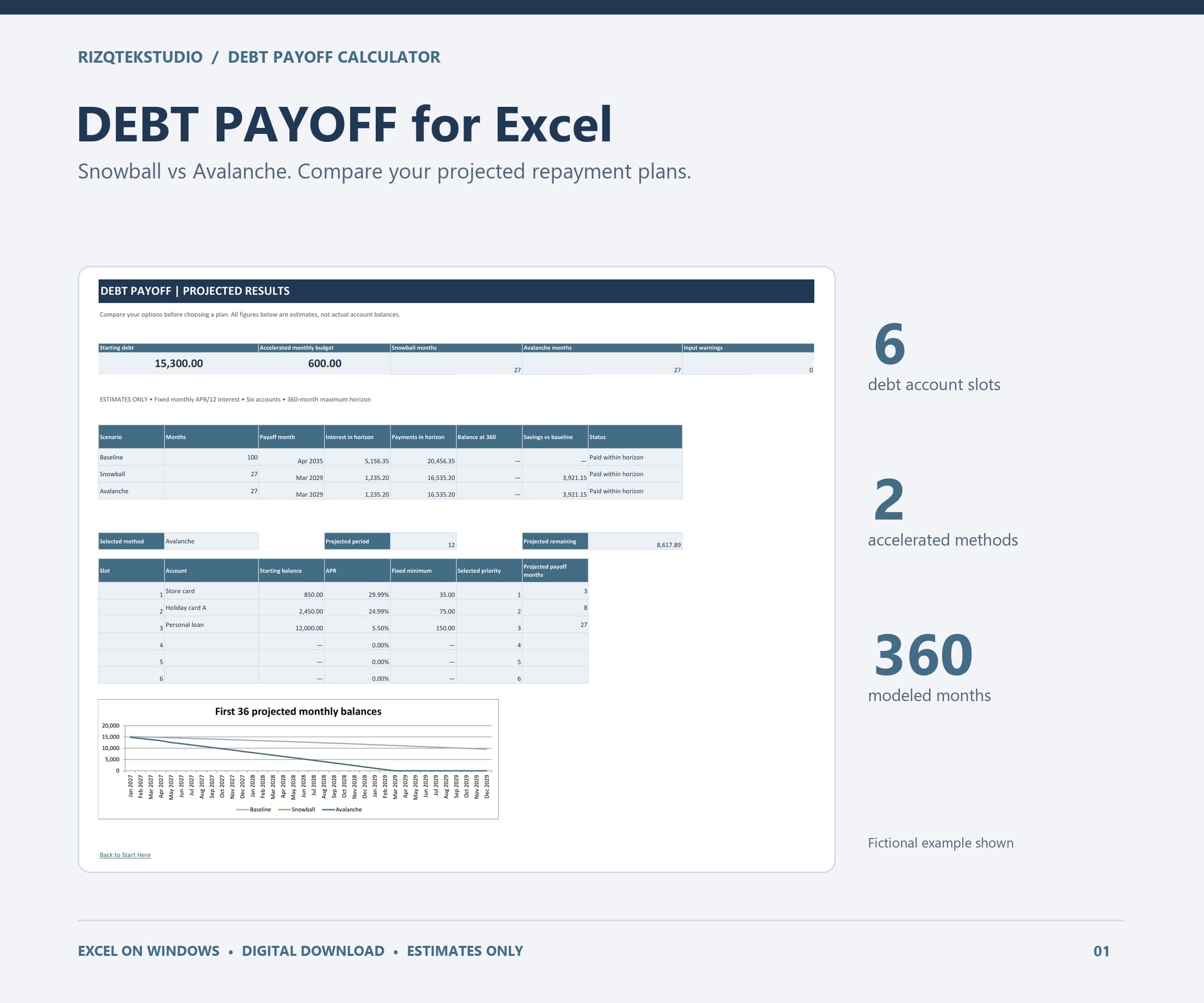
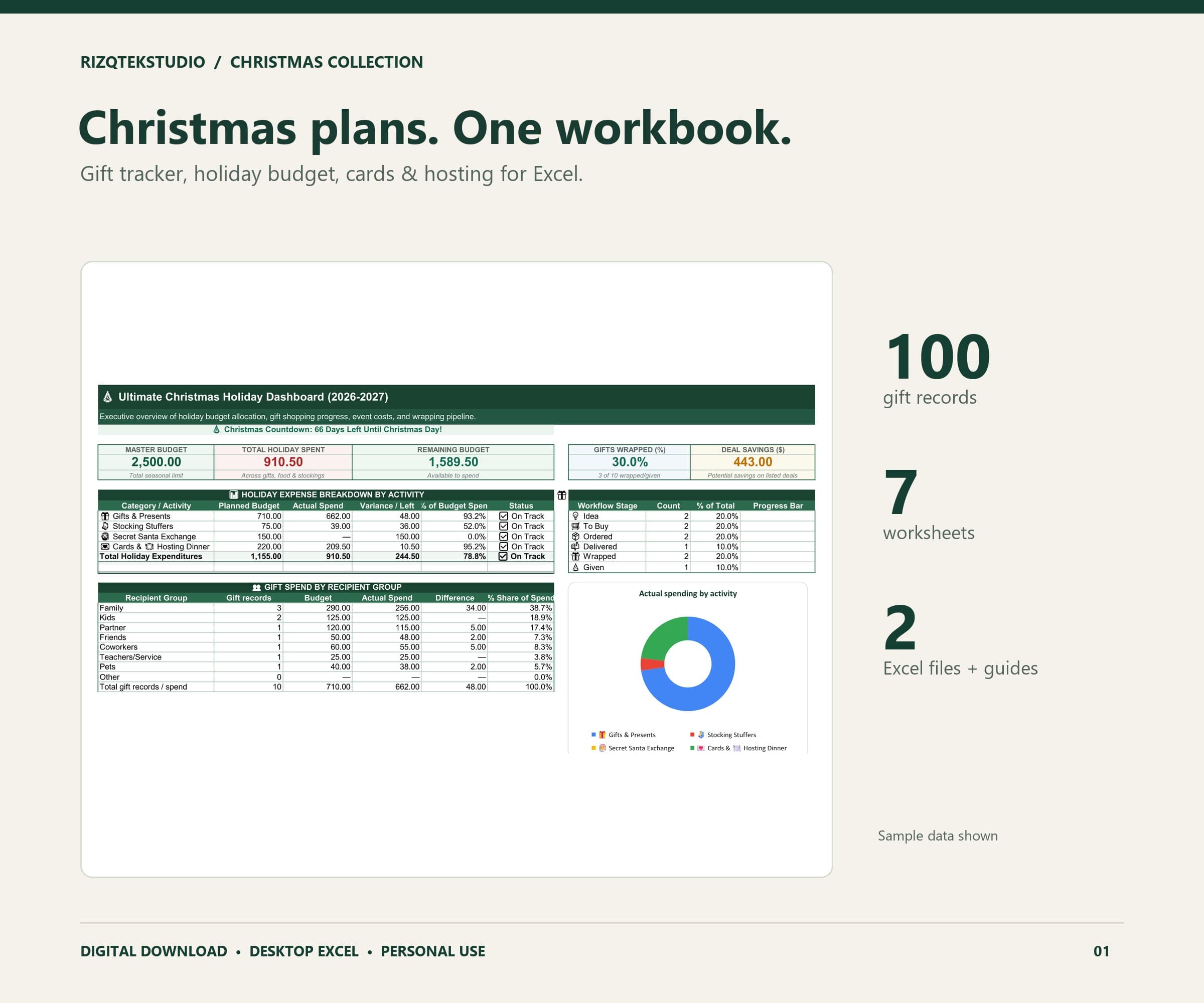
Read the instructions supplied with the workbook and distinguish input cells from formulas. Type into the intended inputs and avoid overwriting totals. Fixed ranges have real limits: the family budget has 15 category lines per month, the debt planner models six accounts, and the gift tracker has 100 gift records.
Do not assume that inserting rows will expand formulas, validation or summaries. If a number is being ignored, first check whether it was entered inside the supported range and stored as a number rather than text.
Check one small example first
Enter a small set of fictional figures in a copy and compare the displayed totals with a separate calculation. For a simple spending list, three amounts of 10, 20 and 30 should total 60. A familiar example makes an incorrect cell or unit easier to spot before you enter a whole year of records.
If formulas appear stale, check Excel's calculation settings and recalculate the workbook. If a problem remains, save a copy before making changes and contact the store with the product name, the affected sheet and a description of what happened. Do not send bank credentials or unnecessary private financial records.
Use a repeatable save and review routine
Choose a regular time to update your manual entries and compare them with their source records. Save a dated backup before major changes, corrections or a new planning period. Keep copies in a location appropriate for the household information they contain.
The workbooks do not sync with banks or make payments. Your own records remain the place to confirm actual transactions, and the debt workbook's projections remain separate from actual lender balances. A consistent review routine is more useful than assuming that a spreadsheet updates itself.
Educational workbook guidance. Figures in examples are fictional; verify your own records.